This custom “15th August 2026” 3D Text PNG is engineered to instantly elevate your patriotic graphics. Designing custom 3D typography with intricate texture mapping requires heavy software and hours of rendering. This free, pre-rendered PNG does all the heavy lifting for you, featuring bold lettering wrapped in the precise textures of the Tiranga.
Key Features of This Typography Asset
- True Transparency: Unlike JPG files that require complex masking or blending modes, this asset is a transparent PNG. It features a fully invisible background, allowing you to drag and drop it perfectly over any design.
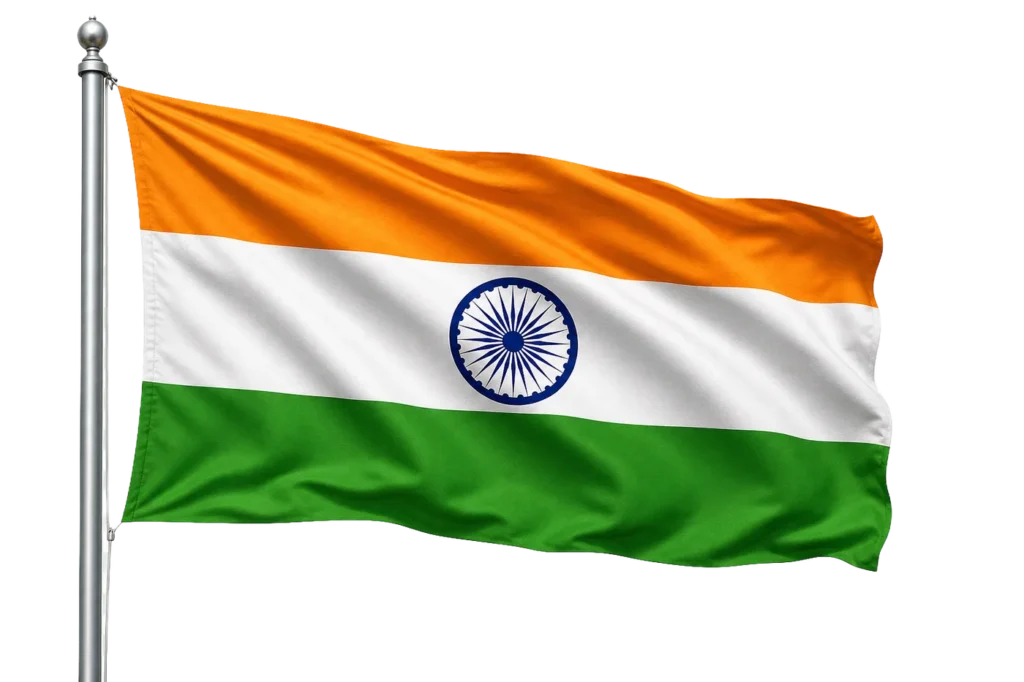
- Authentic Tricolor Integration: The text faithfully represents the Indian national flag. It accurately features the three horizontal bands of saffron, white, and green, along with the navy-blue Ashoka Chakra wheel at its centre.
- High-Gloss 3D Bevel: The numbers “15th” and “2026” are rendered with a dynamic, glossy lighting effect that instantly grabs attention on mobile screens and large digital displays.
Where Can You Use This 3D PNG?
Because this transparent graphic is bold and highly legible, it serves as the perfect primary title for a wide variety of August 15th media:
- Social Media Campaigns: Perfect for Instagram posts, Facebook event headers, and WhatsApp greetings to share the patriotic spirit.
- School and College Events: An ideal title graphic for digital flyers promoting cultural programs, debates, and flag-hoisting ceremonies.
- Corporate Announcements: Excellent for businesses, agencies, and startups publishing professional greeting cards or email banners for their clients.
- Print Media: The high-definition resolution ensures it will remain crisp when printed on vinyl banners, posters, and notice boards.
Best Practices for Designers
Using this file is incredibly efficient in any modern design environment.
- For Canva Users: Simply download the PNG, upload it into your Canva library, and place it onto your canvas. Because the background is already transparent, it will seamlessly float over your chosen background image or color.
- For Adobe Photoshop & Illustrator Users: Go to
File > Place Embeddedto drop the typography directly into your workspace. - Design Tip: If you are placing this highly detailed 3D text over a busy photograph or a dark, textured background, add a subtle “Drop Shadow” (set to black, 30% opacity, with a wide spread). This will create visual depth and ensure the text remains perfectly readable.